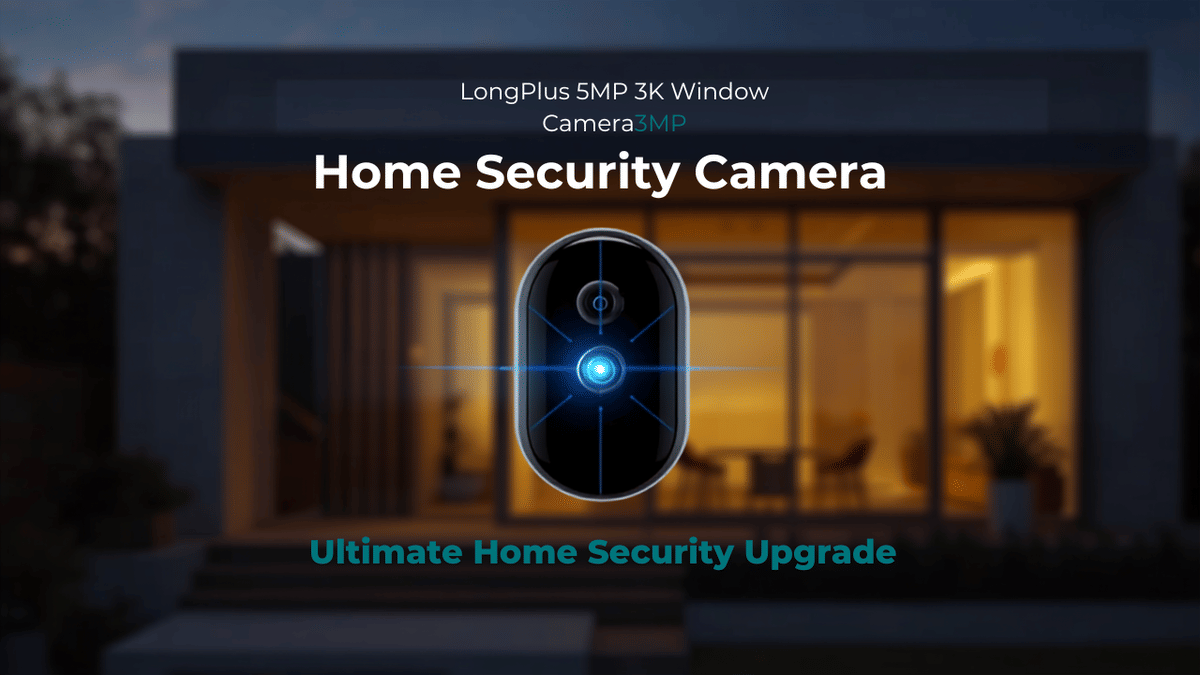
Can an indoor camera mounted on a window really keep an eye on the backyard, driveway, porch, or front yard without drilling into anything? That is exactly what the LongPlus 5MP 3K Window Camera is designed to do.
After using it for several weeks, I found this to be a simple, inexpensive window security camera that does the basics very well. The setup is quick, the magnetic mount is convenient, the 5 GHz Wi-Fi support actually works, and the video is clear enough to be useful for everyday monitoring.
Key Takeaways
The magnetic window mount makes installation quick and avoids drilling into walls or window frames.
The camera successfully connected to a 5 GHz Wi-Fi network and remained responsive during testing.
Cloud storage includes a seven-day trial, while microSD card recording provides a local-storage alternative.
Clear 5MP video, detection controls, and two-way audio make it useful for everyday outdoor monitoring.
Table of Contents
A No-Drill Window Camera for Outdoor Monitoring
The idea here is straightforward. Instead of installing a camera outside, running cables, drilling holes, and dealing with weather exposure, the LongPlus camera mounts inside on a window and records what is happening on the other side of the glass.
That makes it a practical option for renters, apartment dwellers, homeowners who do not want to drill, or anyone who wants a quick way to cover an area such as:
A backyard where pets or kids play
A front door, porch, or package delivery area
A driveway or parked vehicle
A garage window facing the yard
A temporary location while traveling
The camera is marketed with 5-megapixel, 3K video, full-color night vision, AI-powered detection, two-way audio, and both 2.4 GHz and 5 GHz Wi-Fi connectivity. It can be used for event recordings or continuous recording, depending on the storage option selected.
What Comes in the Box
The package is basic but includes what is needed to get started:
The LongPlus window camera
A USB-C to USB-A power cable
A wall power adapter
Cable clips for tidier wire management
A user manual
Two magnetic window mounting stickers
The camera itself has a microSD card slot, reset button, built-in speaker, microphone, QR code for app setup, USB-C power connection, and the camera lens on the front.
The QR code is there to help with downloading and pairing the mobile app, which is available for both Android and iOS devices.
The Magnetic Window Mount Is the Best Part of the Design
Instead of using a permanent bracket or adhesive camera mount, this model uses a magnetic pad. The included sticker attaches to the window, and the camera simply connects magnetically to it.
I have tested window cameras using Velcro-style mounting before, and Velcro works fine. The magnetic approach is just cleaner and should avoid some of the wear that can eventually happen with Velcro over time.
LongPlus includes two magnetic stickers, which is a nice touch. You can keep one as a spare, install the camera in two possible locations, or move the camera between windows as needed. If you are heading away and want to change coverage from the backyard to another part of the house, that flexibility is useful.
Installation really comes down to a few simple steps:
Choose a clean window with the view you want to monitor.
Apply the magnetic adhesive pad to the glass.
Place the camera onto the magnetic mount.
Connect the USB-C power cable.
Download the app and pair the camera to Wi-Fi.
There is not much technical work involved. This is the kind of camera that someone without IT experience can set up quickly.
My Real-World Installation
I installed the camera in my garage gym, facing through a window toward the backyard. The camera stayed in place on the magnetic mount, and I ran the power cable down to a nearby outlet.
For permanent use, the included wire clips can help route and hide the cable more neatly. Since I do a lot of product testing, I left the wire accessible rather than fully tucking it away.
The important thing is that the camera needs power. This is not a battery-powered setup, so plan for an outlet or a suitable power source near the window.
Wi-Fi Setup: 5 GHz Support That Actually Works
One thing I always test when a camera claims it supports both 2.4 GHz and 5 GHz Wi-Fi is whether it really connects to a 5 GHz network. Plenty of devices advertise dual-band support, then refuse to pair properly on 5 GHz.
The LongPlus camera connected to my 5 GHz Wi-Fi network without a problem. That is a real positive. Setup was quick, the connection was responsive, and I did not have to switch networks or jump through any extra hoops to get it working.
For homes with a crowded 2.4 GHz network, reliable 5 GHz compatibility can make a difference. Just remember that 5 GHz generally has less range than 2.4 GHz, so placement and Wi-Fi coverage still matter.
Video Quality and Window Performance
The video quality is quite good for what this camera is. The 5MP 3K image provides a clear view of the area outside the window, and the live feed looked sharp in daylight.
I did see some screen-like meshing in certain views, but that was caused by sunlight shining through the window and the conditions in the backyard, not a constant issue with the recorded image itself. Overall, the camera produced a clear reproduction and useful detail.
The camera is designed for day and night coverage, including full-color night vision. The image quality was solid for visibility purposes, which is exactly how I would use this type of device.
With any camera shooting through glass, keep in mind that reflections, interior lights, glare, dirty windows, and the angle of the camera can affect the final image. For the best result, place the camera flat against the window area and avoid leaving bright lights on directly behind it at night.
Two-Way Audio and App Controls
The built-in speaker on the back of the camera supports two-way communication. Through the app, you can use the voice call feature to speak through the camera when needed.
The app also provides the core controls expected from a modern Wi-Fi security camera:
Live view for checking the camera feed in real time
Image flip for correcting the picture orientation if the camera is mounted differently
Camera alarm controls
Device sharing settings
Device notifications that can be turned on or off
Event messages showing what the camera detected
Album access for saved snapshots and recordings
The interface also shows device status updates, such as whether the camera is online or offline and when a cloud-storage package is nearing expiration.
Motion Alerts and AI Detection Options
The camera includes intelligent detection settings. Depending on how you want to monitor the space, you can enable detection for motion, people, and vehicles.
There is also an option to define a target picture frame, allowing you to focus detection on a particular portion of the image. That can be helpful if you only care about a gate, walkway, driveway section, or another specific area rather than every bit of movement in the full scene.
These controls matter because outdoor areas naturally have movement. Trees, changing sunlight, animals, and passing activity can all create alerts. Being able to focus on people, vehicles, or a selected zone gives you more control over how the camera is used.
Cloud Storage and microSD Card Recording
The LongPlus app offers a free seven-day cloud storage trial. After that trial ends, cloud recording requires a paid plan.
The app displays the available cloud plan options and explains the difference between cloud storage and local microSD card storage. If you prefer not to pay for a subscription, the camera supports a microSD card for local recording.
A microSD card will continuously record based on the capacity of the card and the selected recording behavior. Once the card fills up, older footage is typically overwritten by newer recordings. The larger the card, the more recording history it can hold.
For my own use, I would likely use a microSD card if I wanted recording. Otherwise, this camera works perfectly well as a live visibility camera for checking on a yard, pet, doorway, or other outdoor space.
If you are considering local recording, make sure to check the camera's supported microSD card specifications before purchasing one.
Power Backup Is Worth Considering
Since this camera is powered, it is worth thinking about what happens during an outage. If I were leaving home for an extended period, I would connect it to a backup power station, such as an EcoFlow unit, so the camera could continue operating if household power goes down.
Of course, that only helps if the internet connection is also backed up. In my case, my network is on backup power too, so losing regular wall power would not immediately take the camera offline.
This is not a requirement for everyday use, but it is a smart consideration if you are relying on the camera for security while away.
Who the LongPlus 5MP Window Camera Makes Sense For
This camera is not trying to replace a complicated hardwired security system. It is a simple, flexible camera for people who want outdoor visibility from inside the home.
It makes the most sense for:
Renters who cannot drill into exterior walls
People living in apartments or condos
Homeowners who want a fast camera installation
Anyone monitoring a porch, driveway, yard, or side entrance through a window
Parents checking on activity in the backyard
Pet owners who want to keep an eye on an outdoor area
Travelers who want to reposition a camera before leaving
The included second magnetic mount also makes it easier to use one camera in more than one location. Put mounts on separate windows, then move the camera where coverage is needed.
Final Thoughts
I like this camera for what it is. It was easy to install, easy to connect, and simple to operate. The magnetic window mount works well, the 5 GHz Wi-Fi connection worked without issues, and the video quality was clear enough to be genuinely useful.
The cloud trial is a nice way to test the service, while microSD support gives you a local-recording alternative if you do not want an ongoing subscription. Add in motion detection, person and vehicle detection, two-way audio, image flipping, and the ability to monitor through a window without drilling, and it is a solid little no-drill home security option.
If you want to check current pricing and availability, the LongPlus 5MP window camera listing is available through Amazon.