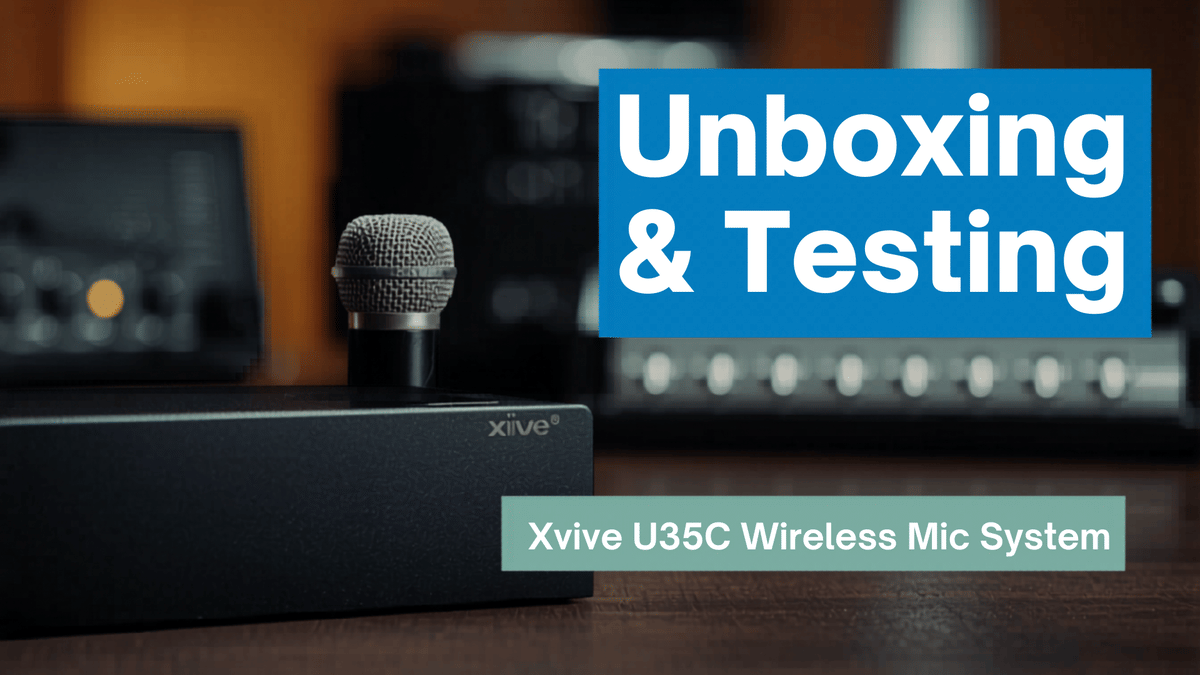
If you work with condenser microphones and you are tired of cable runs, bulky setups, or trying to make a clean-looking interview rig without XLR snakes all over the floor, the Xvive U35C is one of those products that immediately gets your attention.
This is a wireless microphone system built specifically for XLR condenser microphones, and that matters. It is not just another generic wireless adapter. It is designed to handle phantom power, support condenser mics, and give you a practical way to turn a wired studio or field mic into something much more flexible.
I picked this up with a very specific use case in mind: remote interviews, mobile recording, and situations where I want the mic visible on a stand but do not want cables becoming part of the problem. After unboxing it and putting it straight into a real audio chain with a Sennheiser shotgun mic and a Mackie board, here is what stood out.
What the Xvive U35C is supposed to do
The Xvive U35C is a two-piece wireless system for condenser microphones. One unit plugs into the microphone, and the other plugs into your mixer, recorder, or any compatible XLR input.
That means you can take something like a handheld condenser mic or a shotgun mic and remove the physical XLR cable from the equation while still keeping a pro audio-style setup.
For my own setup, that means using it with Sennheiser microphones and feeding the signal into a Mackie DLZ mixer. It also opens the door for field work with a Zoom recorder, which is where this kind of system gets especially interesting.
Why this kind of wireless setup is useful
The biggest value here is not novelty. It is practicality.
There are plenty of situations where running an XLR cable is either annoying, messy, or just not ideal:
Interview setups in remote locations
Wide-shot video recordings where visible cables ruin the look
Temporary event setups where long cable runs are a hassle
Mobile audio rigs using field recorders
Podcast or content setups where you want cleaner staging
One of the planned uses here is a two-person remote interview setup using two Sennheiser shotgun mics on stands, feeding into a field recorder, then into a 4K camera for a wide shot. That kind of arrangement benefits a lot from getting rid of cables while still keeping good audio quality.
Instead of building the scene around cable management, you can focus on the framing, the lighting, and the actual conversation.
Unboxing the Xvive U35C
The package is pretty straightforward, which is fine. This is not the type of gear that needs dramatic packaging. It needs to work.
Inside the box:
The two wireless units
A carrying pouch
A USB-A to dual USB-C charging cable
Product literature
The carrying pouch is actually a nice touch. Most people are not going to keep the retail box, so having a simple bag to drop into a gear case makes sense.
The charging cable is also practical. Since the system has two units with built-in batteries, a dual USB-C cable means you can charge both at the same time without digging around for extra cords.
First impressions on the hardware
The layout is simple enough that setup is not intimidating.
Each unit has a power button, and the microphone-side unit includes the phantom power function needed for condenser mics. Both units charge over USB-C.
That alone makes the U35C more useful than a lot of basic wireless audio adapters. Condenser microphones often get left out of these kinds of wireless solutions because they need power. The whole point of the U35C is that it addresses that.
Out of the box, both units had enough charge to power on immediately, which made it possible to move straight into testing without waiting for a full initial charge.
Real-world test setup
Rather than just read off specs and call it a day, I swapped it directly into an active setup.
The test chain was simple:
Take a Sennheiser MK600 shotgun mic
Plug the Xvive transmitter onto the mic
Plug the receiver into the Mackie DLZ
Leave the mixer level unchanged from the wired XLR setup
Compare the result based on actual audio performance
That is an important part of the test. The board settings were not reworked to flatter the wireless system. The gain structure stayed where it normally sits with a standard XLR connection, which gives a much more honest sense of whether this thing is usable or not.
Audio performance: does it actually sound good?
Short answer: yes, it sounded pretty darn good.
With the shotgun mic connected through the Xvive U35C, the signal came through cleanly enough that it immediately looked promising as a real solution, not just a gadget.
The meter response was solid, the audio level remained consistent, and there was no need to start chasing levels just because the connection changed from wired to wireless.
That is exactly what you want from a system like this. If a wireless adapter forces you to compromise too much on signal quality, gain staging, or reliability, it defeats the purpose. In this case, the first test suggested that the U35C can slot into a serious workflow without drama.
Using a shotgun mic wirelessly
Now, to be clear, holding a shotgun mic in your hand with a wireless module hanging off it is not exactly the most practical handheld setup in the world.
That is not really the point here.
The better application is putting the shotgun mic on a stand for seated interviews or fixed-position speaking setups. In that context, the mic can remain visible as part of the overall aesthetic, but the usual cable hanging down the stand and snaking across the floor is gone.
That creates a cleaner production look while still taking advantage of the pickup pattern of a shotgun microphone.
Where the Xvive U35C makes the most sense
After testing it, the U35C makes the most sense for people in a few specific categories:
Content creators building flexible audio setups
Podcasters who need less clutter around the recording area
Mobile interview teams working in temporary locations
Field recordists using Zoom-style recorders
Anyone who wants visible microphones without visible cable runs
If your setup is permanently installed and your cables are already neatly managed, the gain here may be smaller. But if you move equipment around, record on location, or regularly build temporary scenes, this can solve a real problem.
Battery life and power considerations
Battery life is one of the first concerns with any wireless audio device, especially one that has to deal with phantom power.
The listed runtime here is 3 to 7 hours, depending on how much phantom power the microphone draws. In practice, that means your results may vary depending on the mic you are using.
There was also mention of around 5 hours, which lines up with the middle of that range and seems like a reasonable expectation for planning purposes.
If that sounds short for your type of work, there is a practical workaround: USB-C external power.
A small 10,000 mAh or 20,000 mAh USB-C power bank can be attached neatly to a mic stand and used to keep the unit powered longer. For event work or extended interviews, this could effectively remove battery life as a limitation.
That makes the U35C much more flexible in real use than a simple battery spec might suggest at first glance.
The one annoyance I ran into
There was one practical downside that showed up right away, and it is not about the audio.
When the receiver is plugged into the Mackie on a desk setup, the USB-C charging port sits at the bottom. Depending on spacing and orientation, that can make charging awkward while it is connected.
It is not a deal-breaker, but it is the kind of small design detail that matters once you actually start using the gear.
The easy fix is to use a right-angle connector or right-angle USB-C adapter. With that in place, charging the receiver while keeping everything connected should be much easier.
Key specs worth knowing
Here are the headline specs called out for the Xvive U35C:
Designed for XLR balanced condenser microphones only
Digital 5.8 GHz wireless operation
20 Hz to 20 kHz frequency response
Less than 5 ms latency
12V or 24V phantom power
24-bit / 48 kHz audio
Up to 100 feet working range
Supports up to six sets in one area
Automatic wireless scanning and best-channel selection
3 to 7 hours of battery life, depending on phantom power draw
The use of 5.8 GHz is especially worth noting because it helps avoid some of the congestion and interference problems that can show up on more crowded wireless bands.
The low latency figure is also important for live monitoring and natural-feeling audio performance. Less than 5 milliseconds is the kind of number you want to see if timing matters.
What stood out most after testing
The strongest thing about the Xvive U35C is not a flashy spec. It is that it appears to solve a very specific workflow problem cleanly.
You can take a condenser mic setup that would normally require a cable run, turn it wireless, and still keep the signal quality where it needs to be for serious use.
For mobile creators, interview setups, and field recording situations, that is a big deal.
It also helps with presentation. Sometimes the microphone belongs in the frame. Sometimes the cable absolutely does not. The U35C gives you a way to separate those two things.
Final thoughts
Based on the unboxing, first setup, and direct audio test, the Xvive U35C wireless mic system looks like a genuinely useful tool for anyone working with condenser microphones in a flexible or mobile production environment.
The audio held up well in a real setup, the concept makes immediate sense, and the ability to use phantom-powered microphones wirelessly opens up a lot of practical options.
It is not perfect. Battery runtime will matter depending on your microphone, and the charging port placement on the receiver could be more convenient. But those feel like manageable limitations rather than fatal flaws.
If your workflow involves remote interviews, field recording, podcast production, or any content setup where cable management keeps getting in the way, this may be one of those upgrades that ends up making your whole rig feel smarter.