If you’re building a serious home lab, a security camera system, an access point setup, or even a small business network, you quickly run into the same problem: you need lots of ports, lots of power (for PoE devices), and enough uplink bandwidth to keep everything fast. That’s exactly what makes the EnGenius ECS2530FP POE network switch interesting—especially if you’re the kind of person who ends up with more gear than wall outlets.
In this article, I’m going to walk through my experience with the EnGenius ECS2530FP POE network switch from first unboxing to physical rack installation, and then into the practical “does it fit my environment?” discussion—covering build quality, port layout, PoE planning, uplinks, SFP+ daisy chaining, and what I’ll be looking forwards to in the future.
What is the EnGenius ECS2530FP POE network switch?
The product on the bench is the new EnGenius ECS2530FP, described as an:
· L2+ managed switch
· 24-port switch
· 2.5GbE on the copper ports
· PoE++ (and, importantly, the intent is that the PoE capability is across the ports)
· six SFP+ slots for higher-speed fiber/uplinks and switch-to-switch links
From the start, my focus wasn’t theoretical. I wanted to see how it fits into a real network built around cameras, access points, internal 10G, and multiple zones—where one switch failure or bandwidth bottleneck would be noticeable.
Unboxing: what you get in the box (and what I look for first)
I’ll admit: I’ve been excited about this one for a while. I already use EnGenius equipment throughout my home networking setup, including switches and access points, and I’m a big fan of the way their hardware is put together—especially when it comes to port options (including SFP ports), PoE budgeting, and overall build quality.
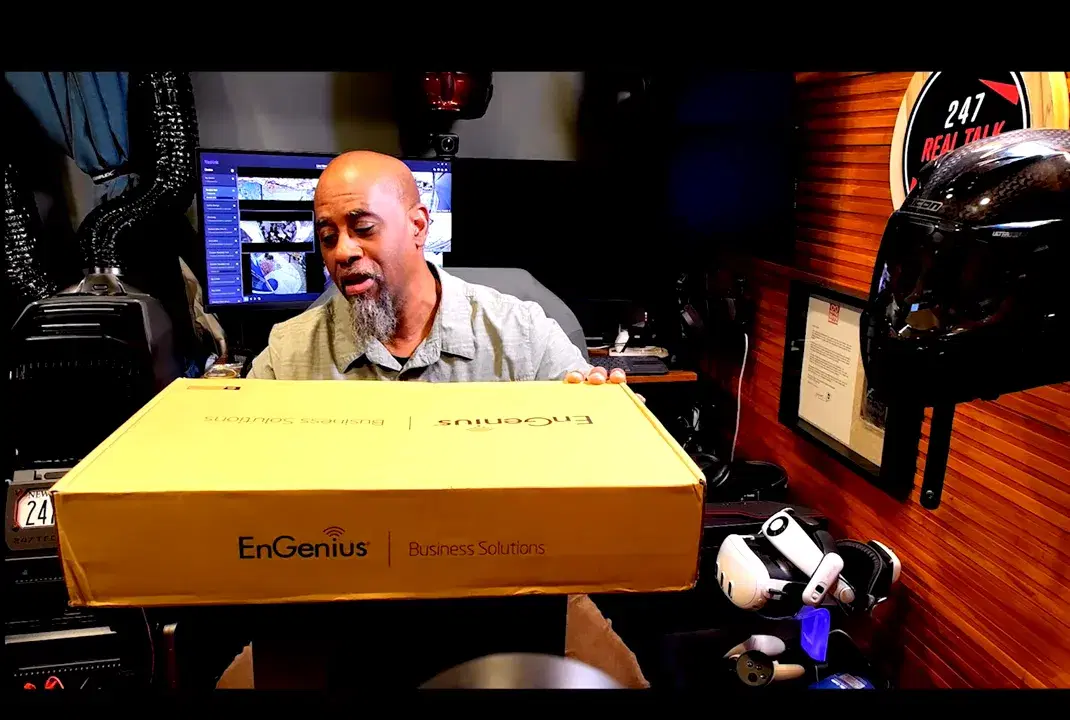
When I opened the shipping box, it was a full-size, rack-oriented switch setup.
Inside the packaging
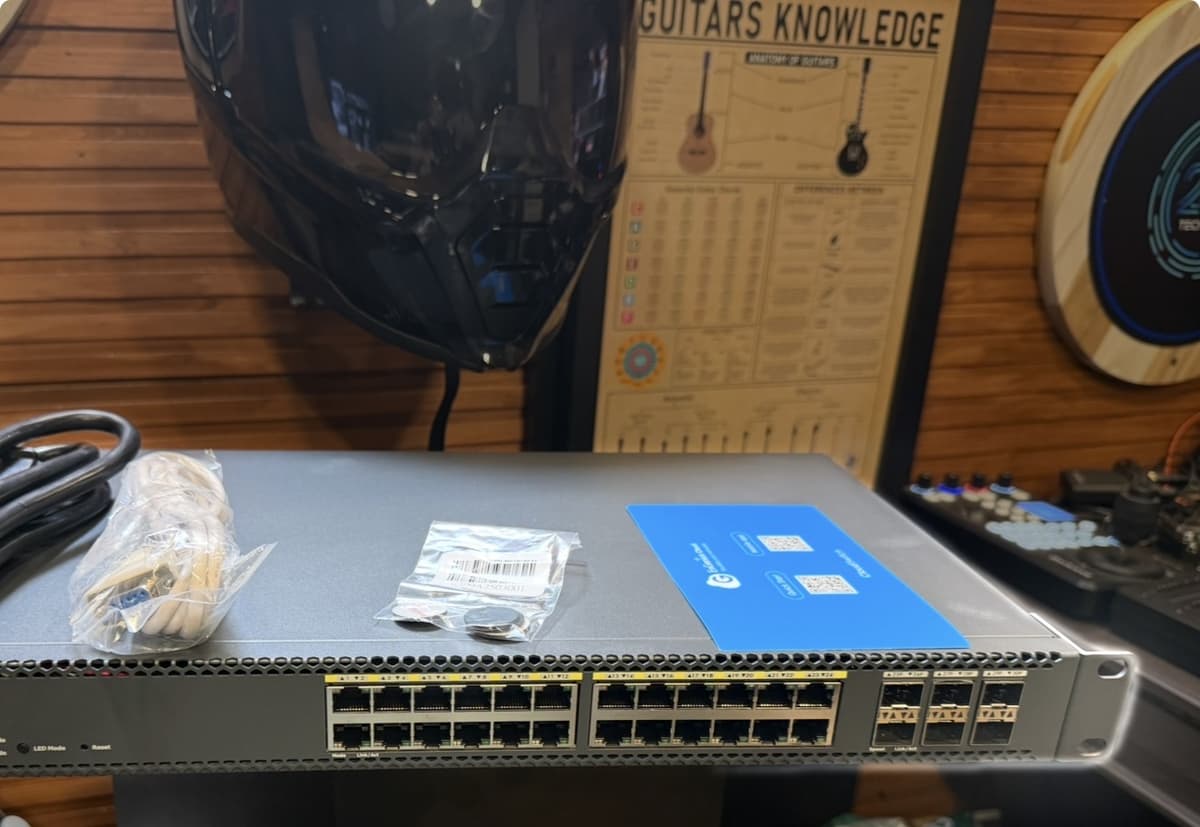
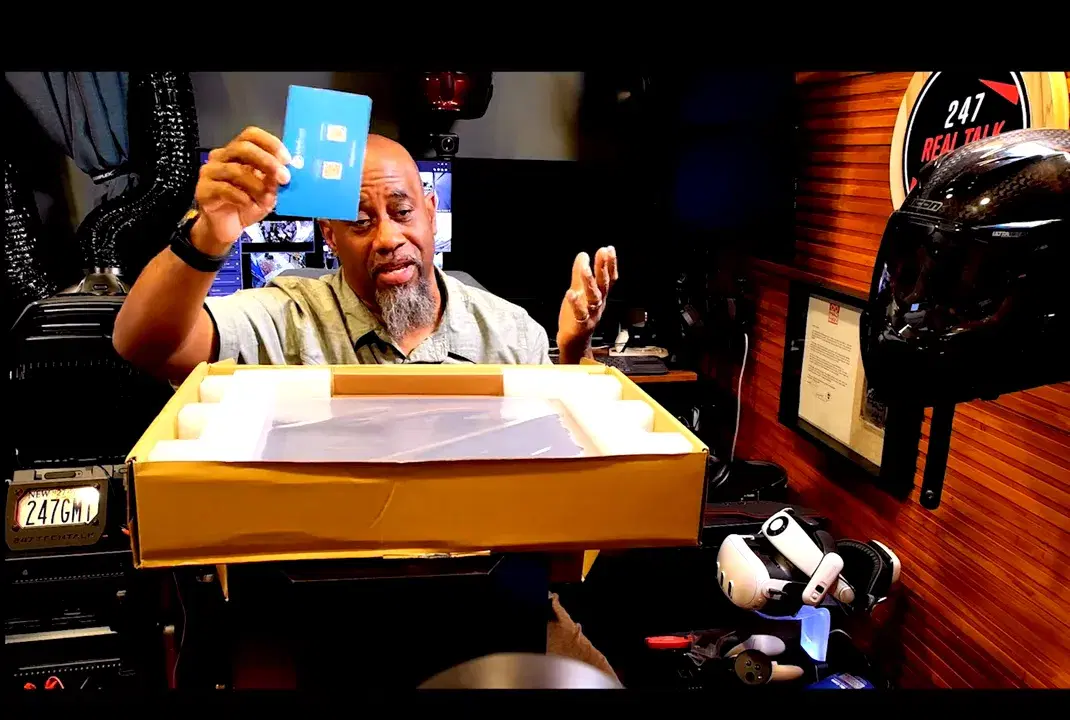
In addition to the switch itself, I found what you’d expect for a rack build:
· Rack mount ears (for both ends)
· Quick start materials (with QR codes)
· Hardware like screws and rubber feet (rubber feet matter if you ever plan to run it on a desktop, though this is going into a rack)
· A heavy-duty power cable (used for rack installs into the PDU)
One thing I like is that the switch is clearly designed to be cloud-managed and deployed. It even has a console port for direct management if needed.
Front and back panel: the port layout that matters in a PoE network
My network isn’t just “lots of devices.” It’s also “lots of devices that want power.” That makes the port layout critical.
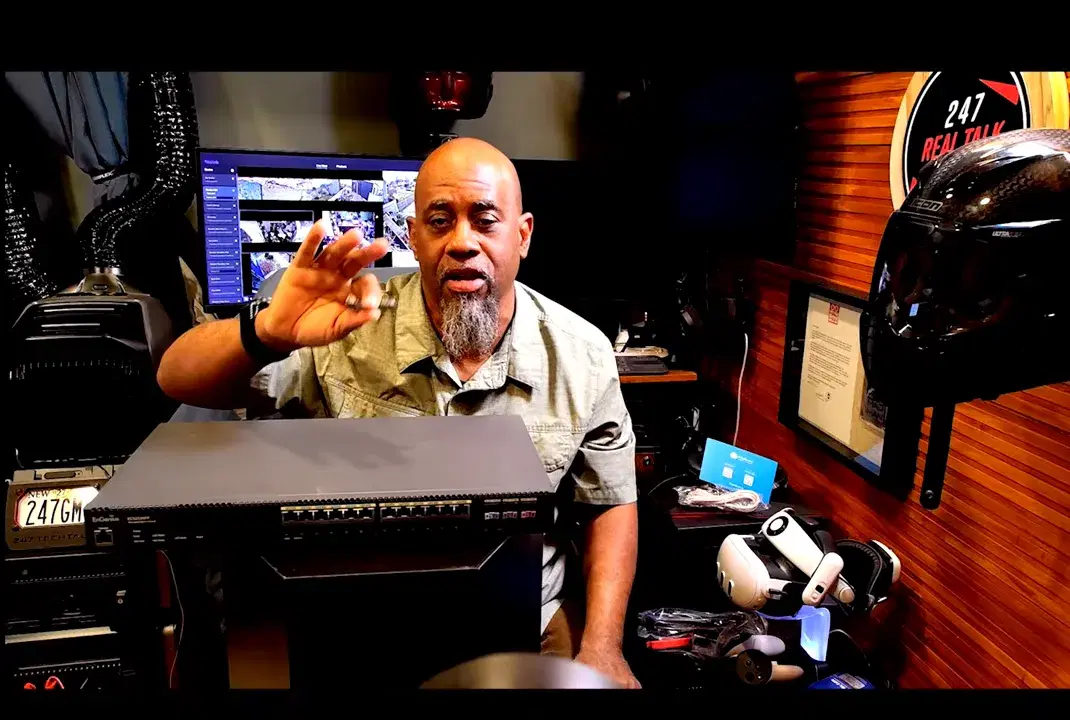
What stands out to me on the front
· A console port for local direct management
· Status LEDs including power , fault , and PoE-related indicators
· PoE mode controls (there’s a button related to PoE operating modes and reset behavior)
· Front vents that strongly suggest meaningful thermal management, which matches a PoE++ switch reality
Because all of my camera and PoE device planning is dependent not just on “do I have PoE,” but also on do I have enough PoE budget to support what I’m actually connecting, I pay attention to those PoE indicators and make sure that I avoid reaching the Max output.

What stands out on the back
· Three fans for cooling
· A power port
· All the physical port connections you need to make the switch functional in a rack environment
Noise was a legitimate concern, but the switch is going to live in my rack room in a basement network space. While I noted that the cooling design includes multiple fans, I wasn’t overly concerned about the sound profile as long as it runs well.
My network goals: why I went with 2.5GbE + SFP+ uplinks
Here’s the practical context behind my excitement. In my home setup:
· I have 2Gb up and 2Gb down from my ISP
· Internally, I run 10Gb where I can
· Many uplinks between switches are via SFP+
· NAS devices are set up for 10G
· I’m working with a large device count (I’ve mentioned being over 120 devices at max time)
That combination is why this switch type makes sense. It’s not just about adding ports—it’s about keeping uplinks from becoming the choke point when you have PoE cameras, multiple access points, and high-speed internal storage traffic all happening at once.
Inter-switch connectivity: SFP+ daisy chaining and EnGenius adapters
In my layout, I want the switches to “talk to each other” at a higher speed. My design uses SFP+ uplinks, and I’m relying on EnGenius SFP+ adapters/modules for best compatibility.
While I can run some non-EnGenius modules in other setups, I’ve run into instances where non-EnGenius SFP+ modules don’t behave as smoothly with EnGenius gear. In my experience, EnGenius modules provide a good and consistent connection.
As the switch comes online in my rack, I’m using the SFP+ ports to link this new switch into the rest of the EnGenius network. That’s the backbone of what makes everything feel “clean” instead of “busy.”
Rack install in a tight space: moving gear without breaking the network
One of the most stressful tasks of any home network upgrade is that you often have to move and rearrange hardware while keeping things running. This install wasn’t happening in a wide-open space—it was in a tight basement corner where I’m building out the rack room from scratch.
My existing rack components (and why sequencing matters)
Before dropping the new switch in place, I had:
· An EnGenius 6-port PDU sitting above
· An EnGenius switch and an EnGenius ESG620 VPN router in the room (with additional gear to be relocated)
· Work to do related to relocating the incoming ISP connection to the new area
Because I was upgrading zones and moving cables, I had to plug and unplug without disconnecting everything at once.
Powering the switch: PDU integration and a “don’t unplug the PDU” moment
I plugged the switch into the PDU (using one of the outlets on the PDU). The physical routing in the rack meant I had to lay cables across and around the switch area to reach the back.
There’s a practical lesson here: in tight racks, where your power cable and your cable management collide, it’s easy to yank the wrong thing. I have encountered situations where the PDU power plug placement on the front caused me to accidentally unplug it while I was working with other wires.
In this install, I was careful and confirmed that the switch lit up after connection.
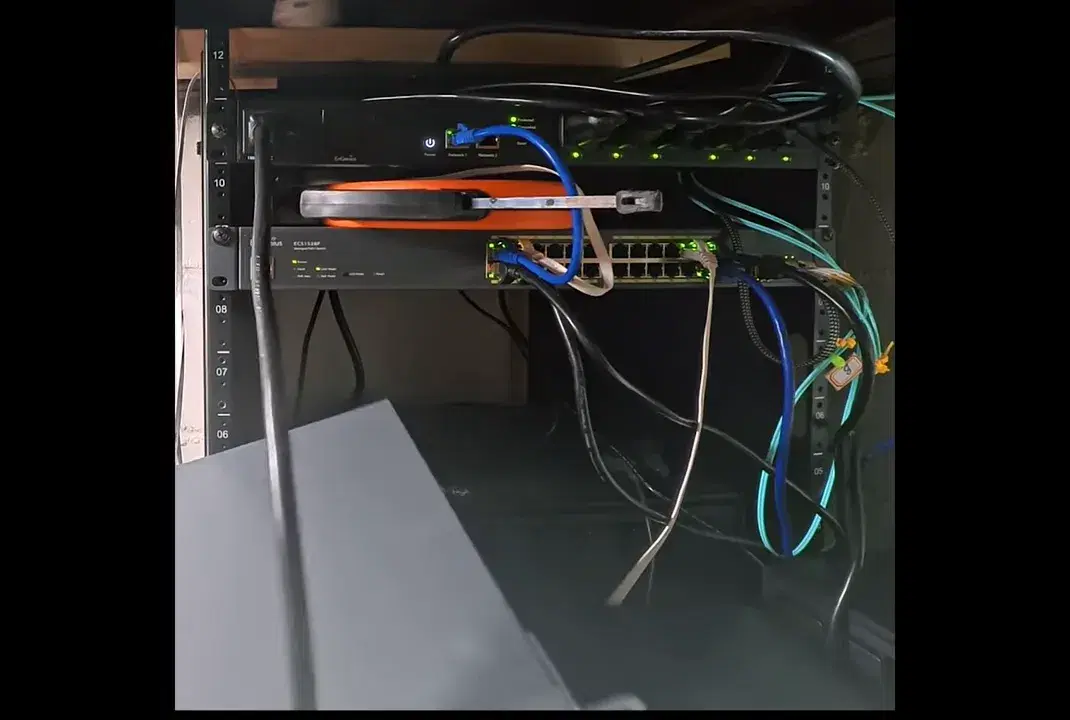
Mounting hardware: small rack issues you’ll want to anticipate
The rack itself is high-quality, but as I mentioned, I have been dealing with a frustrating ongoing issue with the rack mount screw hole alignment. I tried multiple screw sizes, and I still had to modify the fit (made holes larger) to work with the rack mount screws.
That’s not a project killer, but it’s a reminder that real-world installs often require you to plan for mechanical compatibility—not just electronic compatibility.
The first link test: getting a clean SFP+ connection up and running
After the switch is mounted and powered, the next step is to confirm the network path.
In my case, I used an SFP+ uplink connection (daisy chain behavior) to an existing EnGenius switch. Once the SFP+ adapter and fiber/cabling were in place, I waited for the switch boot indications.
The PoE status/power lights were blinking while the switch started up. I added a second Ethernet link check using one of the PDU's Ethernet ports to confirm basic connectivity while I moved to the computer-based setup.
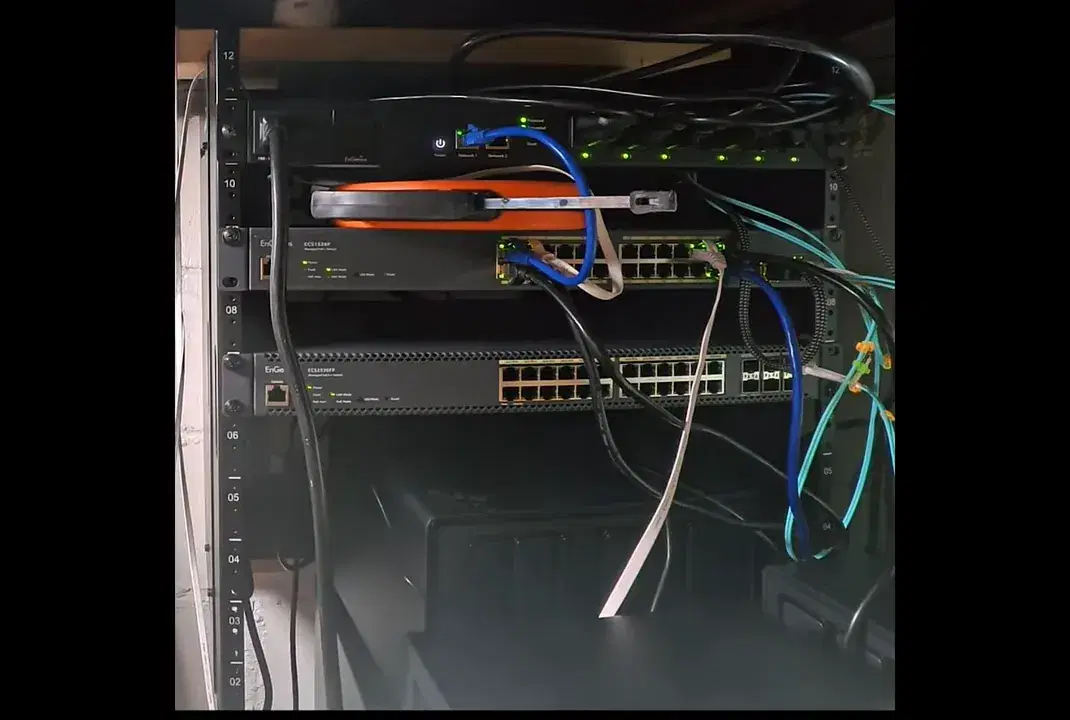
When I got the link light, I confirmed the internet access path for the switch’s management connectivity, as well as the actual high-speed connectivity between the switches via the SFP+ connection.
Final thoughts: what I like about the EnGenius ECS2530FP POE network switch
At the end of this build, my “first impressions” were pretty clear: the EnGenius ECS2530FP POE network switch is a strong fit for a multi-zone, PoE-heavy environment—and the hardware is built to last.
Why this switch makes sense for PoE devices
PoE has changed the way I build networks. Instead of dealing with power adapters and “power wall warts everywhere,” PoE lets me consolidate power and network into fewer structured pathways.
In practical terms, my network includes:
· Multiple cameras (PoE cameras, and at one point, I referenced a doorbell that’s also PoE)
· Access points
· 10G internal storage targets (NAS)
Because this switch supports PoE++ and provides an adequate power budget, it fits the direction of “modern devices come with PoE as an option.”
Build quality and cooling
The switch is all metal and solidly built. I also tested the audio level of the built-in fans: in my basement space, I found that the fans were not loud enough to be a problem for recording content nearby.
Management workflow: quicker setup with EnGenius cloud updates
I must emphasize that EnGenius updates and onboarding have improved, creating an even better experience.
· EnGenius pushes updates with notifications
· You can schedule updates (and mine were scheduled for overnight)
· Equipment can come back online quickly after updates
The one hiccup I hit (and how I handled it)
Despite being a confessed fan of EnGenius gear, I try to be 100% transparent about issues. After adding this switch, it came up fine, but then I performed a firmware update—and for a while, my network went up/down/unstable.
In my case, it was not the switch being “dead.” It was more like the system needed time to connect and reconcile with cloud/host updates. My mitigation was straightforward:
· Restart the ESG620 VPN router
· Restart the switches individually
After that, the system ran “flawlessly” during the period I tested it.
Who the EnGenius ECS2530FP POE network switch is for
This switch is clearly built for people who need the combination of:
· lots of PoE ports (across the switch)
· higher-speed uplinks via SFP+
· a network design that uses multiple zones/switches and wants clean internal bandwidth
· cloud-managed L2+ control
That could be a small business network—or a “single home” network that behaves like one, because you run cameras, APs, and high-speed storage at the same time.
My long-term plan: higher-speed paths everywhere
Currently, I’m using a mix of fiber and copper links depending on the available ports on my router and other devices.
My goal is to make the EnGenius SFP+ uplink strategy more direct over time:
· Have switches connect using SFP+
· Eventually move to a configuration where the VPN router supports SFP+ on both WAN and LAN (so I can keep everything on fast uplink hardware)
· Continue improving the internal switching fabric as I increase bandwidth
EnGenius is a company I’m watching because they continue to release and update gear—so I see a future where more of this architecture becomes simpler.
Pros and cons (based on this build)
What I like
· PoE-first design that supports PoE-heavy environments
· 24 ports of 2.5GbE class connectivity
· Six SFP+ slots for switch uplinks and higher-speed interconnects
· Strong build quality (metal construction, solid feel)
· Cooling feels sufficient, and in my basement rack environment, it was not disruptive for recording
· EnGenius software ecosystem and update approach feel mature
What I didn’t love (or still need to watch)
· Initial firmware/update behavior can temporarily destabilize things in some configurations—at least in my setup, requiring router and switch restarts to settle
· No design “deal breaker,” but it’s a reminder to plan downtime during upgrades
Bottom line: Is the EnGenius ECS2530FP POE network switch worth it?
For my kind of home lab—with many connected devices, cameras, and internal 10G targets—the EnGenius ECS2530FP POE network switch is a winner.
It fits both the bandwidth side (2.5GbE + SFP+ uplinks) and the power side (PoE++ across the ports with a substantial power budget). And importantly, it integrates into the EnGenius multi-switch architecture in a way that matches how I like to build networks: modular, zone-based, and designed to scale.
If you’re the type of person who doesn’t just “add a switch,” but actually designs the entire power-and-uplink topology—this one has the right hardware foundation.
Click here for the video overview.