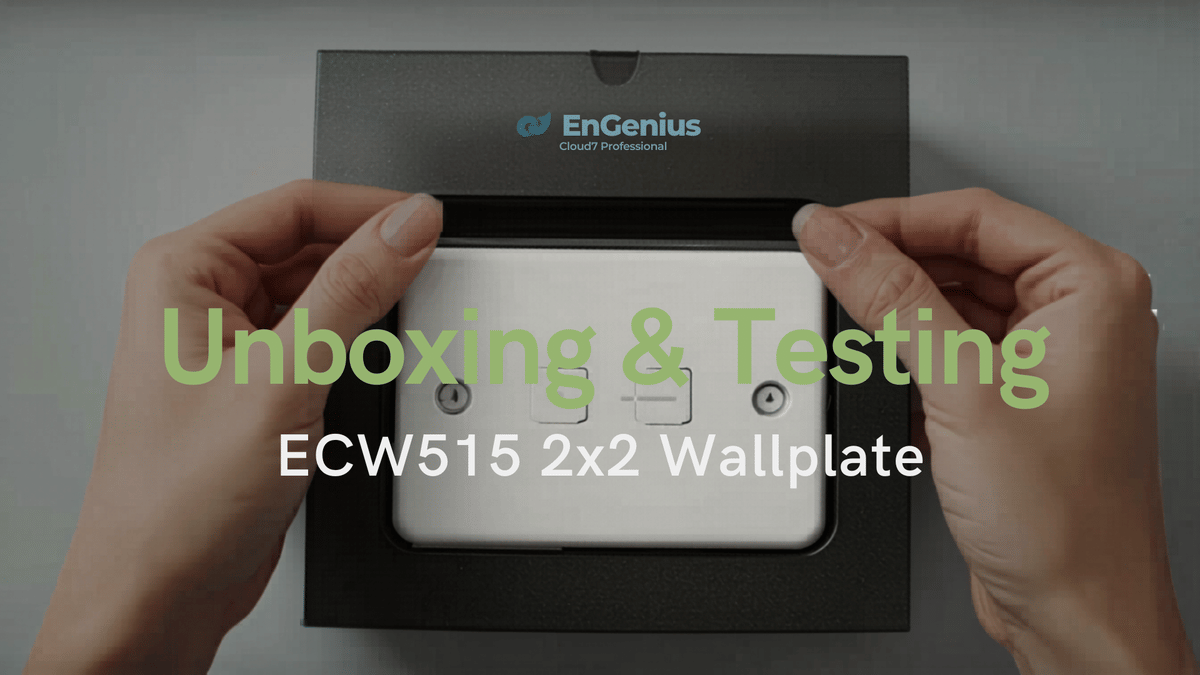
The EnGenius ECW515 is one of those networking products that makes a lot of sense the moment you understand what it is trying to do. It is not just a wallplate access point. It is also a compact wired expansion point, a cloud-managed WiFi 7 access point, and a PoE pass-through solution that can help clean up a room, office, studio, or workshop install in a very practical way.
After spending time with it, setting it up in the EnGenius Cloud environment, testing wireless speeds, and even pushing its PoE-out function with a Reolink PoE camera, I came away thinking this is a very smart little device.
If you need a clean in-wall or on-wall business-class AP that can also give you extra Ethernet ports, the ECW515 deserves a serious look.
What the EnGenius ECW515 Is
The ECW515 is a WiFi 7 2x2 dual-band indoor wallplate access point designed for installations where you want wireless coverage and wired connectivity from the same location.
That makes it especially useful for places like:
Home offices
Studios
Bedrooms
Small business rooms
Workshops or garages
Multi-room deployments where neat wall-mounted networking matters
Instead of putting a traditional access point on a ceiling and then adding a separate switch somewhere nearby, the ECW515 combines those roles into one compact unit.
Unboxing and First Impressions
Like a lot of EnGenius hardware, the packaging is simple and understated. You get the device in the familiar protective egg-crate style insert, along with a quick start card, a wall mounting plate, and screws.
There is not much extra in the box, and that is pretty normal for this category. EnGenius generally expects these products to be used in installations where the buyer already has the networking gear needed, especially PoE switching.
The unit itself is compact and solid. The front feels like hard ABS plastic, while the back has a metal construction that gives it a more substantial feel.
Ports and Hardware Layout
The port layout is what really makes the ECW515 interesting.
You get:
1 uplink port with PoE-in
1 PoE-out LAN port
2 additional LAN ports
Power input option at the bottom
The main idea is simple. You feed the ECW515 with PoE through the uplink port, and that powers the access point. From there, you can also use its wired ports for local devices.
The standout feature is the PoE-out port. If your upstream PoE switch has enough power budget, the ECW515 can pass power along to another PoE device. That opens up some really useful deployment options.
For example, you could:
Power a PoE camera from the wallplate
Extend a network run without going back to the main switch
Add wireless and wired access at the same point
Use one cable run to support multiple network needs in a room
Why This Wallplate Format Is So Useful
A lot of access points are great on paper but awkward in real-world rooms. Ceiling units are fine when you are wiring a whole building from scratch. But if you already have a wall jack in the right place, a wallplate AP can be a much cleaner answer.
That was a big part of the appeal here. In a room that already had a network jack connected back to a PoE switch, the ECW515 could potentially replace both a local switch and a separate access point.
That kind of consolidation matters. Less hardware sitting around. Fewer cables. Better-looking install.
Mounting Options and a Custom Bracket Idea
One of the more practical observations from testing was that this kind of device does not have to live in a standard wall box if you do not want it to.
Rather than using an existing remodeled wallplate location, a custom 3D-printed mount was created to let the ECW515 sit neatly on a wall with cable access from the side or rear. That approach made it easy to mount and remove the unit with just a few small screw holes, without permanently committing a finished room’s wall plate to this device.
It is a smart idea if:
You want flexibility in placement
You do not want to disturb existing network jacks or power outlets
You want the unit mounted cleanly but not permanently tied to one wall box
One thing noticed during this setup was that the back of the ECW515 can get somewhat warm over time. That does not automatically mean there is a problem, but it is worth keeping in mind if you are designing custom mounts.
Because of that heat, using a more temperature-resistant material than PLA, such as PETG, may be the better option for a 3D-printed bracket.
Setup Experience in EnGenius Cloud
Setup was exactly what you would hope for from the EnGenius ecosystem: straightforward and familiar.
The unit was added through the EnGenius mobile app by scanning the QR code on the back of the device. From there, it was brought into the EnGenius Cloud dashboard, assigned an SSID, and integrated into the existing network.
If you already use EnGenius gear, this part is especially easy. The ECW515 fits right into the same cloud-managed workflow as the company’s switches and access points.
That is one of the major selling points here. This is not just a standalone wall AP. It is part of a larger managed networking platform.
What makes the cloud setup useful
Centralized management
Easy onboarding with QR code scanning
Fast SSID assignment and deployment
Consistency across multiple EnGenius devices
For homes with several EnGenius devices, small offices, or multi-room installs, that cloud integration adds real value.
WiFi 7 Speed and Performance
On the wireless side, the ECW515 delivered solid results.
Testing in a room with multiple access points nearby, which likely introduced some interference, showed speeds around 350 Mbps initially, with peaks climbing into the 500 Mbps range. Another test reached about 480 Mbps.
Those numbers are important for context. This was not a pristine lab setup. This was in a real space with several APs around, and that matters because RF conditions can have a huge impact on any WiFi 7 speed test.
So the takeaway is not just the exact number. The takeaway is that the ECW515 performed well under normal, imperfect conditions.
Performance notes
Connection was stable
Speeds were strong for a compact wallplate unit
Nearby access points likely reduced maximum performance somewhat
The device is well-suited for room-level coverage
That last point is key. This is not trying to be a giant high-power ceiling AP for broad whole-floor coverage. It is ideal for giving a specific room or area fast wireless service while also offering wired connectivity right there at the wall.
Testing the PoE-Out Port With a Reolink Camera
This was the most revealing part of the review.
To see whether the ECW515’s PoE-out port could actually power a real device in practice, it was connected to a Reolink TrackMix PoE camera, a relatively large dual-lens PTZ camera.
That is a meaningful test because this is not a tiny low-demand PoE gadget. It is the kind of device that can expose whether a pass-through PoE feature is merely nice on paper or genuinely useful.
What happened during the test
At first, the results were not clear.
The camera showed signs of life and physical movement, suggesting it was receiving some power, but it did not come online immediately in the app. That led to the reasonable suspicion that the wallplate might not be providing enough power for the camera to fully initialize.
To rule out other issues, the camera was then connected directly to an EnGenius PoE switch with a larger power budget. In that setup, it powered up quickly, completed boot, got an IP address, and appeared normally.
After that, the test was repeated through the ECW515 again.
This time, after a longer startup period, the camera fully booted and eventually came online correctly through the wallplate’s PoE-out connection. Once connected, both camera lenses worked, video came through, and PTZ control functioned as expected.
The real conclusion from that test
The ECW515’s PoE-out absolutely works, but heavier PoE devices may take longer to initialize than they do on a larger dedicated PoE switch.
That is a very different conclusion from saying the feature does not work. It worked. It just was not as immediate.
And honestly, that makes this wallplate a lot more interesting.
What the PoE-Out Result Means in Real Deployments
Once the camera test succeeded, the practical use cases became a lot clearer.
If you need to place the ECW515 somewhere like a garage or workshop, you could:
Use it as the local WiFi access point
Use the LAN ports for wired devices in that space
Use the PoE-out port to feed a camera outside
That is a very efficient use of a single cable run.
Instead of pulling one cable for an AP and another for a camera, this gives you a chance to do more from one location. In the right situation, that can save time, simplify cabling, and avoid adding another standalone switch or PoE injector.
Where the ECW515 Fits Best
After using it, the ECW515 feels best suited to installations where you want networking to disappear into the room instead of taking it over.
Some ideal scenarios include:
1. Home office or studio
If you need better wireless coverage at desk level and also want Ethernet ports nearby for devices, this is a very clean solution.
2. Guest room or bedroom
A wallplate AP can provide dedicated room coverage and a few local wired ports without needing a separate desktop switch.
3. Small business room deployments
Hotels, offices, meeting rooms, or managed spaces can benefit from cloud-managed room-by-room deployments.
4. Garage or workshop
This may be one of the strongest use cases, especially if you want WiFi in the space, wired ports at the bench, and a PoE camera outside.
What I Like Most About the ECW515
Compact design that combines wireless and switching functions
WiFi 7 support in a wallplate format
Cloud-managed setup through EnGenius Cloud
Useful port layout with uplink, LAN, and PoE-out
Real deployment flexibility beyond traditional wall-box installs
PoE pass-through capability that can support another powered device
The PoE-out feature, in particular, is what pushes this from “nice access point” to “very practical infrastructure tool.”
What I’d Still Like to See
If I had a wish list for this product, it would be pretty simple: I would love to see an outdoor or weather-protected housing option.
Not because the ECW515 is meant to be an outdoor device, but because real-world installations often blur those boundaries. Sometimes a cable is already run to one point, and later you want to extend service further outward without going all the way back and pulling more cable.
There are PoE splitters and multipliers on the market, and some of them work fine, but an EnGenius-made weather-ready enclosure for this kind of product could make it even more versatile.
Final Verdict: Is the EnGenius ECW515 Worth It?
Yes. The EnGenius ECW515 Cloud7 wallplate access point is a winner.
It gives you more than just WiFi 7 in a compact form factor. It gives you cloud management, local port expansion, PoE flexibility, and deployment options that can simplify a network in a way larger access points cannot.
It is especially strong if you are already in the EnGenius ecosystem or planning a clean multi-room install where business-class management and room-level networking matter.
The speed is solid, the setup is easy, and the PoE-out feature proved itself in real use, even with a demanding camera that took a little patience to initialize.
If your goal is a neat, scalable, and versatile in-wall access point for home or office use, the ECW515 earns its place.
Bottom Line
The EnGenius ECW515 is not just a wallplate AP. It is a smart networking hub for the edge of your network, and that makes it far more useful than its size suggests.